
Stunning Chemical-Like Edits in PS
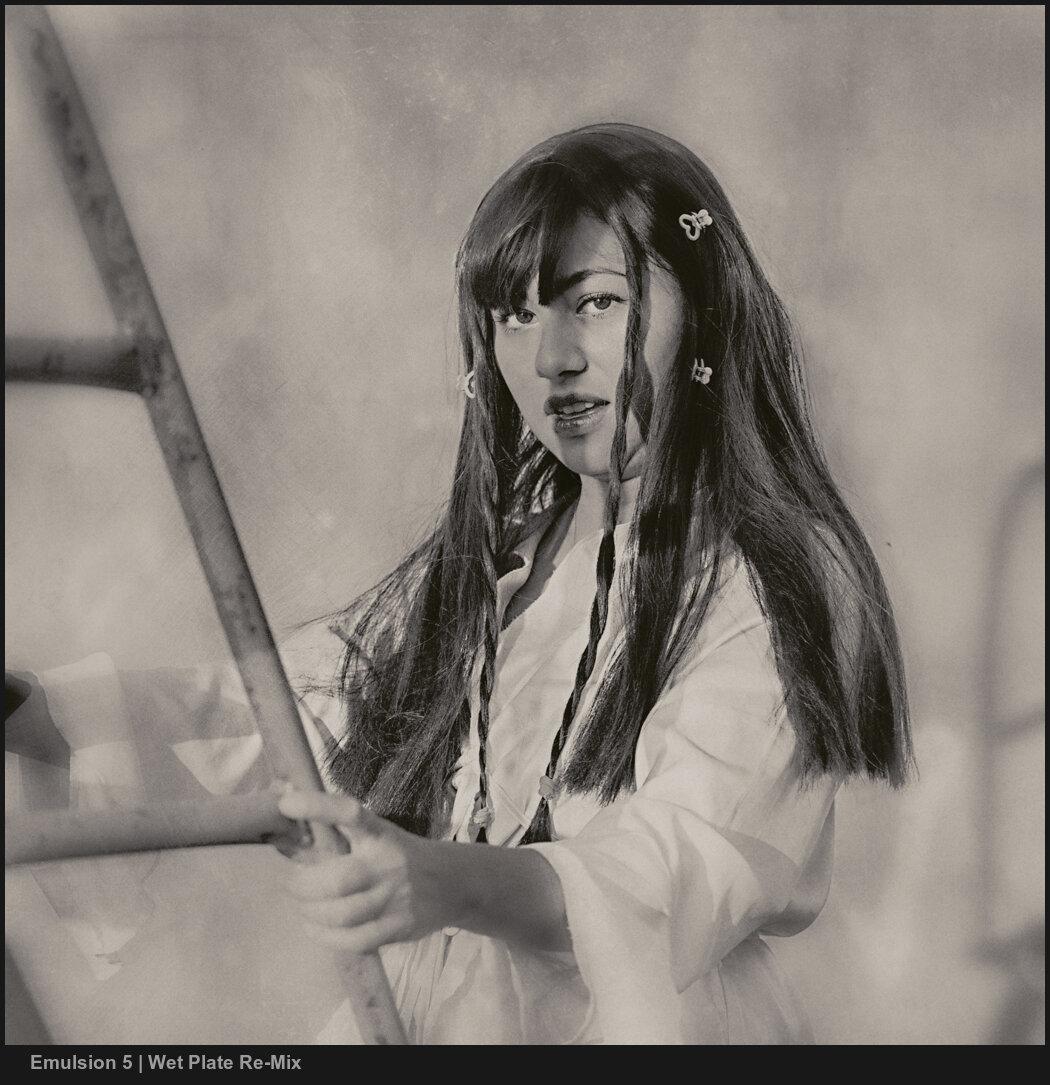
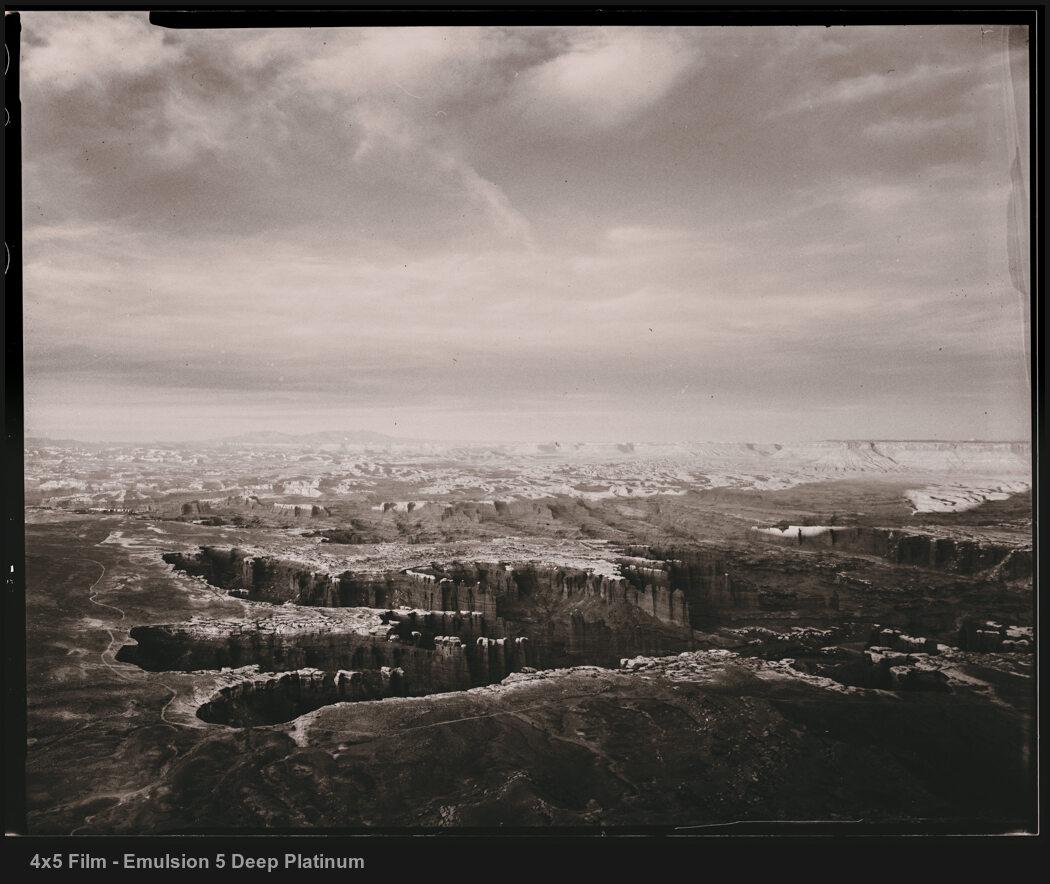
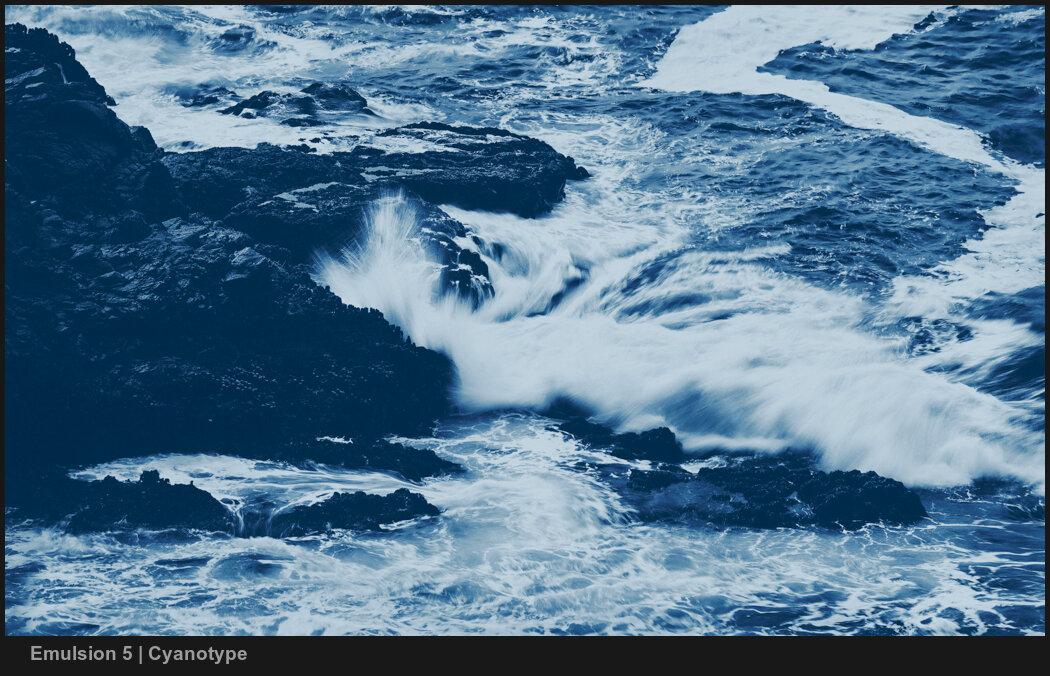
Tired of sterile, plain edits? With the New Emulsion 5 you'll create authentic chemical-like edits for digital. Darkroom-like art quality created through years of testing. Edit photos with tools like Platinum and Palladium, Cyanotype, Collodion, and Selenium. Plus, now in V5, the new FerroBlend. Even if you don't use Photoshop a lot, Emulsion is simple and lets you edit in minutes what normally takes hours. >> Play the video and see what's new.
Buy NOW - $149 Launch Deal - $79
31-day Iron Guarantee:
A lot of tools bait you into a purchase, then don't preform as advertised, your out of luck. Gavin designs and stands behind every Seim product 100% Purchase any Seim product and just try it for 7 days. If after that you are dissatisfied, send us an email within the 31 days of purchase and let us know the problem. We’ll fix it, exchange it, or refund your money. Whichever you decide.
Free Updates:
We're passionate about great tools and always listening. In version dot updates are always free as we refine the product for you. When a whole new version arrives, existing users are also given a 50% off upgrade price.
I especially like the Platinum look. It's so great, I converted the results of the action into a LUT. What's missing? A nice sepia tone.
Glenn Mitchell
Platinum, Ferroblend, Collodion, and more
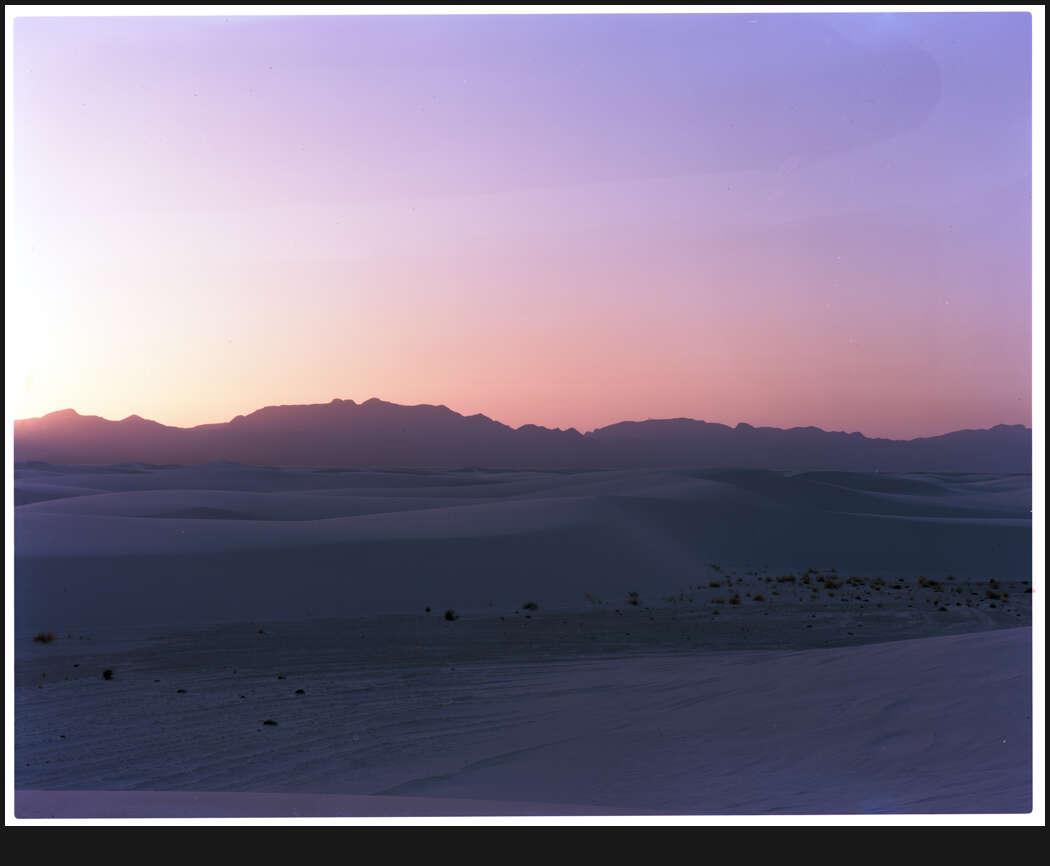
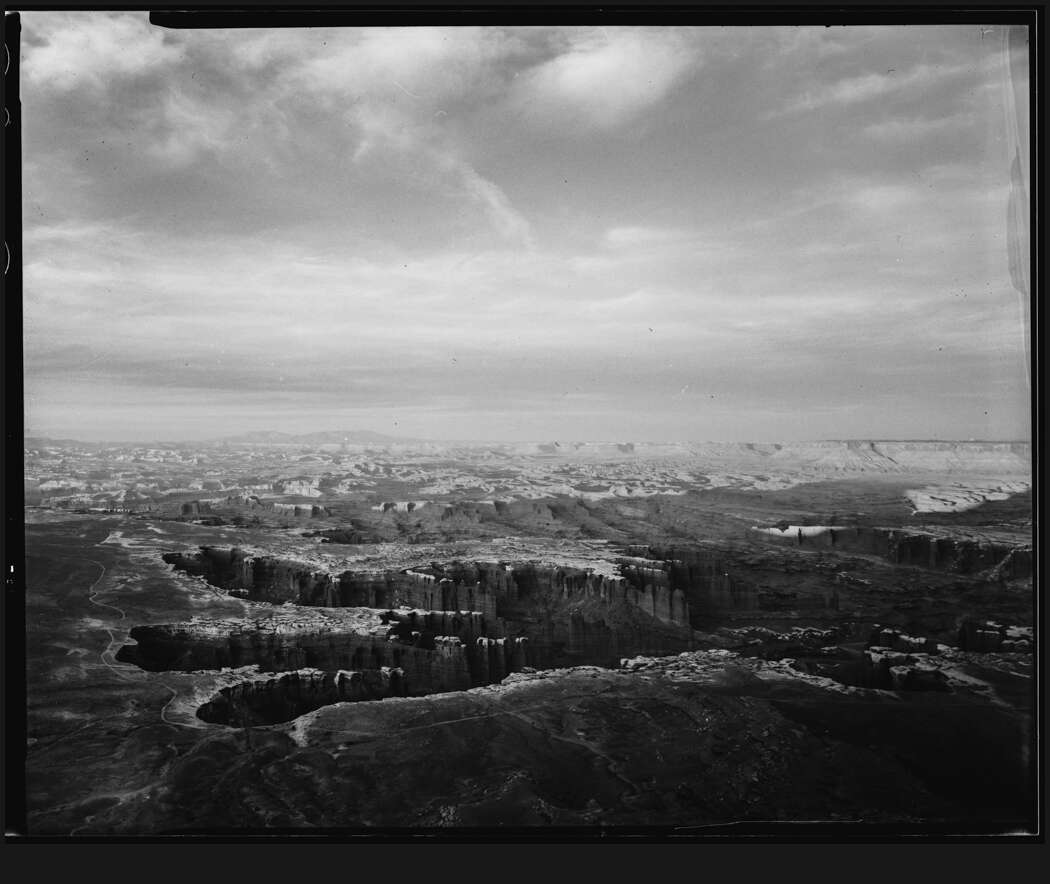
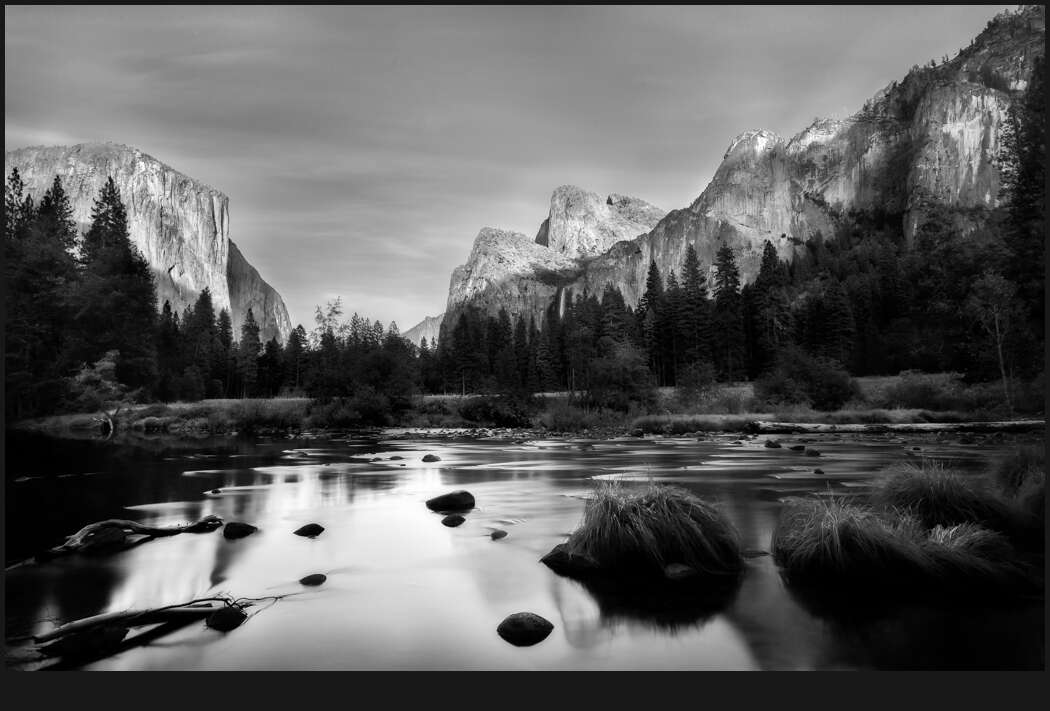
Discover what's hidden in your photos -- Emulsion 5 lets you quickly mix darkroom chemical processes in Photoshop. With a revamped Platinum system, better paper contrast, and mixing tools. The amazing new FerroBlend and more. You get perfect chemical-like edits in Photoshop CS6 - CC. Try the before-and-after samples and see what you'll create.
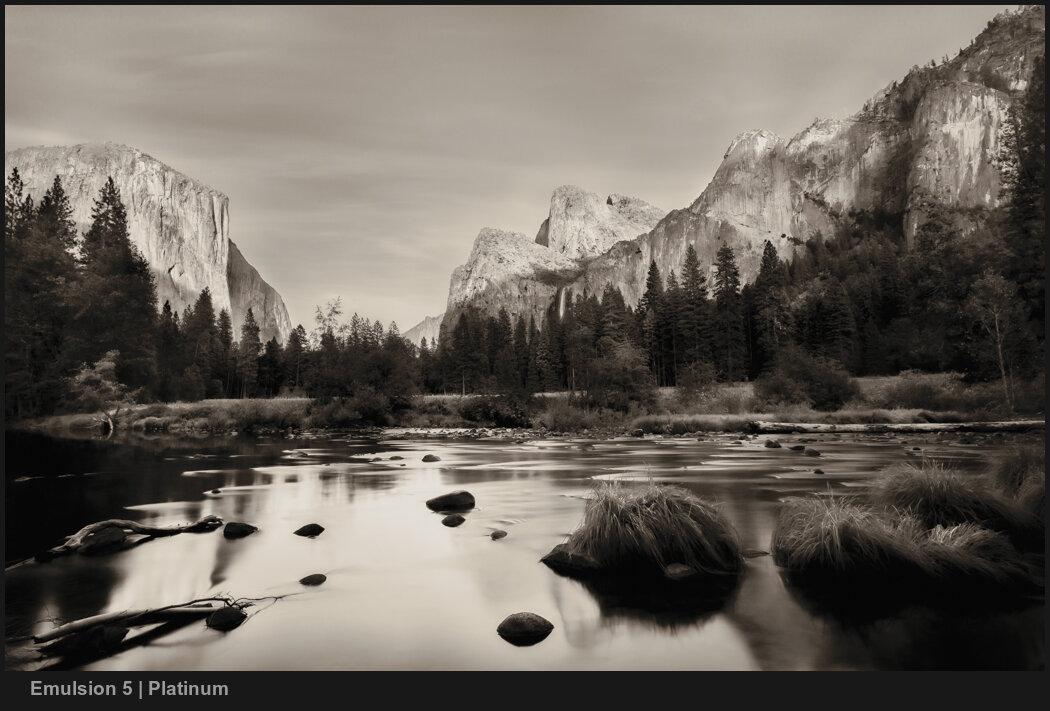



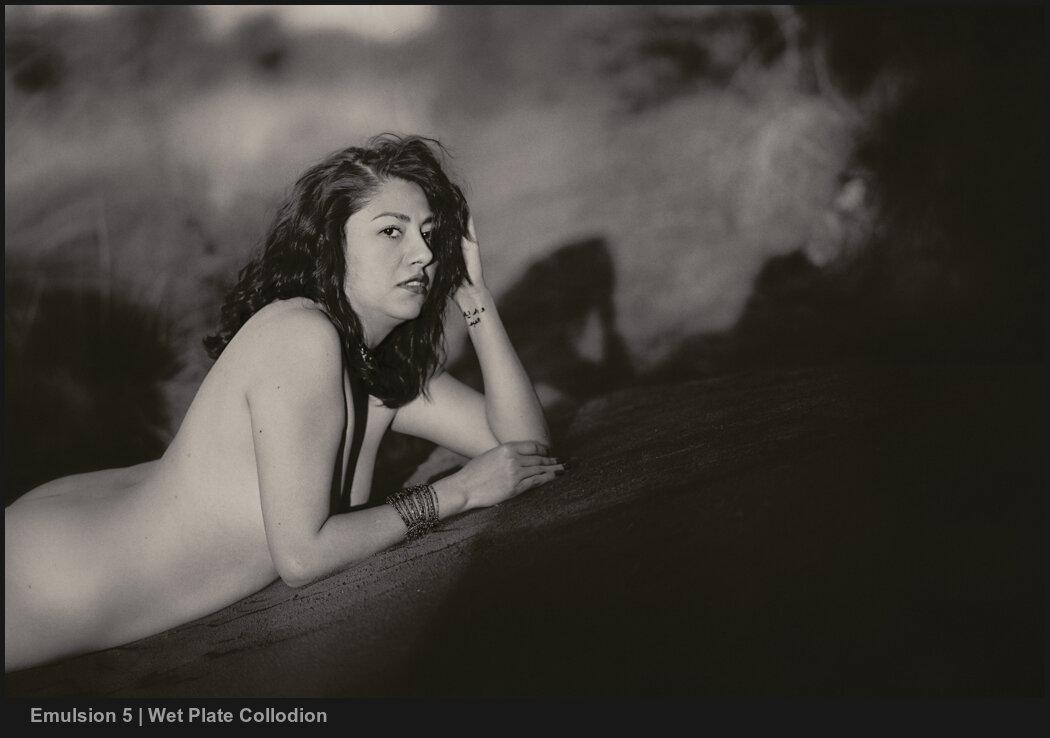
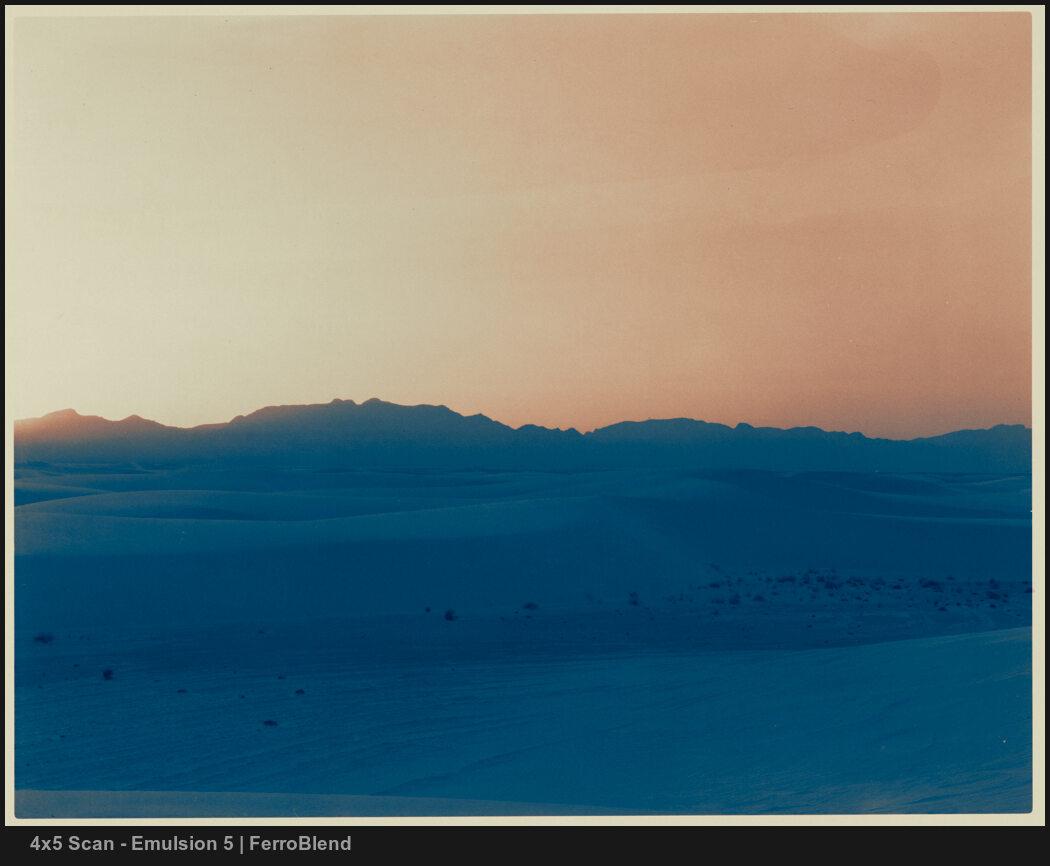
Introducing FerroBlend
Have you heard of this? It's one of the biggest things to happen to the darkroom in decades; the recent creation of the FerroBlend process by Raghavendra Udupa represents an almost color-like mix of Cyanotype and copper-tone chemical processing that can create a wide range of tonality.
In emulsion 5, put great care into not only creating a tool to get the perfect FerroChrome look, but also the tools and layers to re-mix and create your blend of it. It's a truly amazing process, and it's amazing in Emulsion. Try it and see.

It's new in Emulsion v5
- NEW: FerroBlend process based on the popular duo-tone method with finite control.
- NEW: Remastered emulsions including Platinum, Cyanotype, Wet Plate, and Selenium.
- NEW: Improved tonality using zones for better chemical toning in every process.
- NEW: Better mixers like paper contrast and gold chloride for variables like the darkroom.
- NEW: Better Re-Mix. Variants let you switch between chemical mixes and create new blends.
- Instant mods let you adjust as fast as your chemical look adapts on the fly.
- Works in Photoshop CS6 - CC
Easy to use, infinite chemical-inspired mixes.
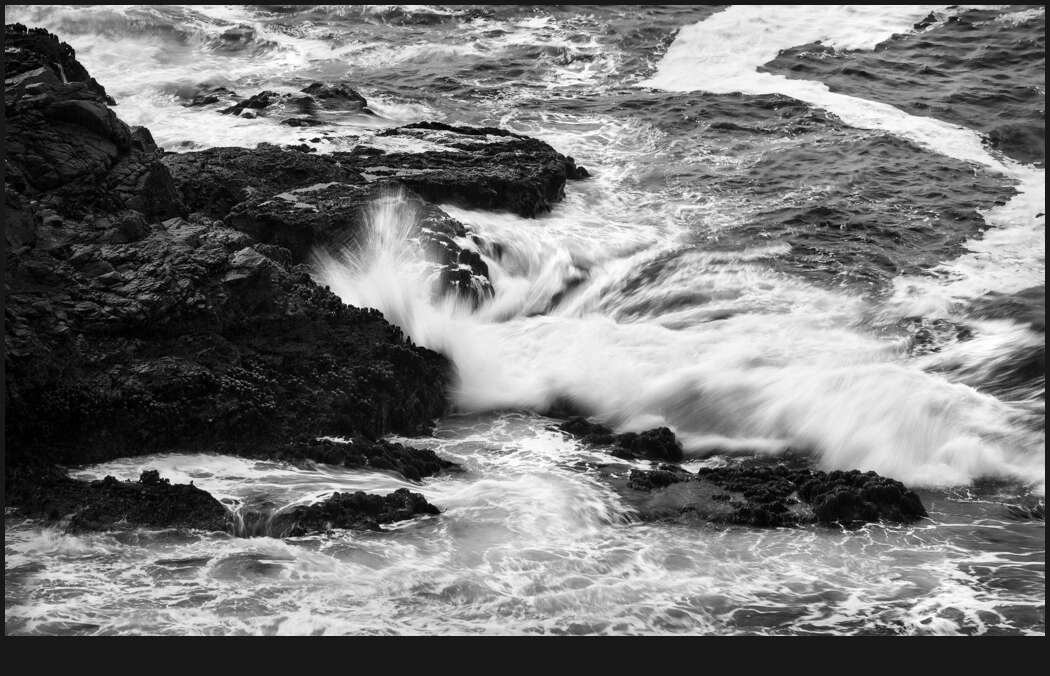
I took this photo and did 8 different chemical edits in a couple of minutes. Every emulsion and tone you apply in Emulsion has an out-of-the-box look. Then you can instantly adjust tint intensity with the intelligent master ratio layer. Or mix it with gold, tone mods, and other instant. Or do a re-mix with 1-click. Or add paper and texture that uses select seamless variants from Naked Darkroom.
In version 5, everything is simple - Run the master action and get the Classic Platinum look. Switch it to any of the other tones, or you can mix them up to create a more complex atmosphere. Don't like what you see? With a click, you can reset and keep playing. Emulsion lets you tone and mix without limits as if you have the actual chemicals in your own darkroom.

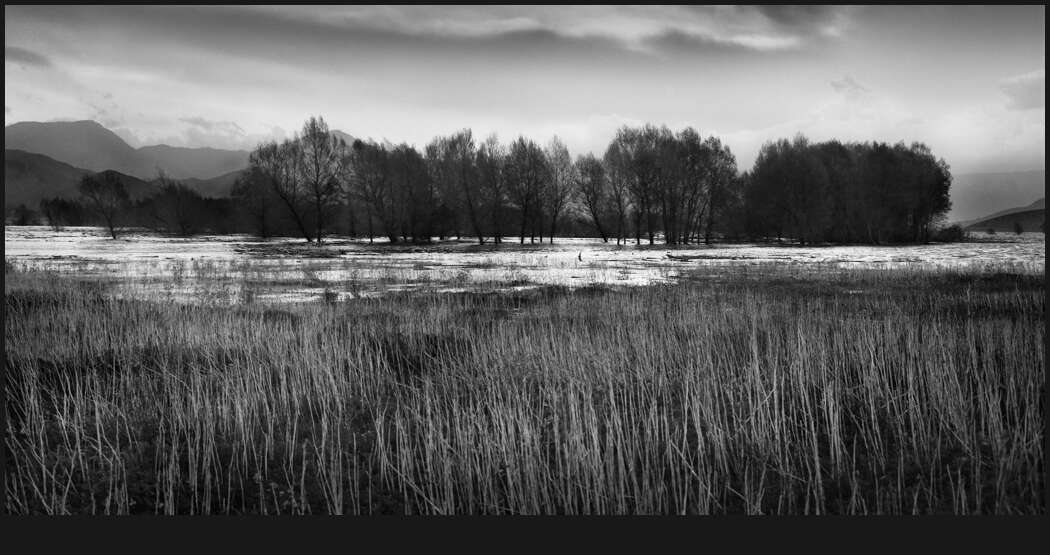
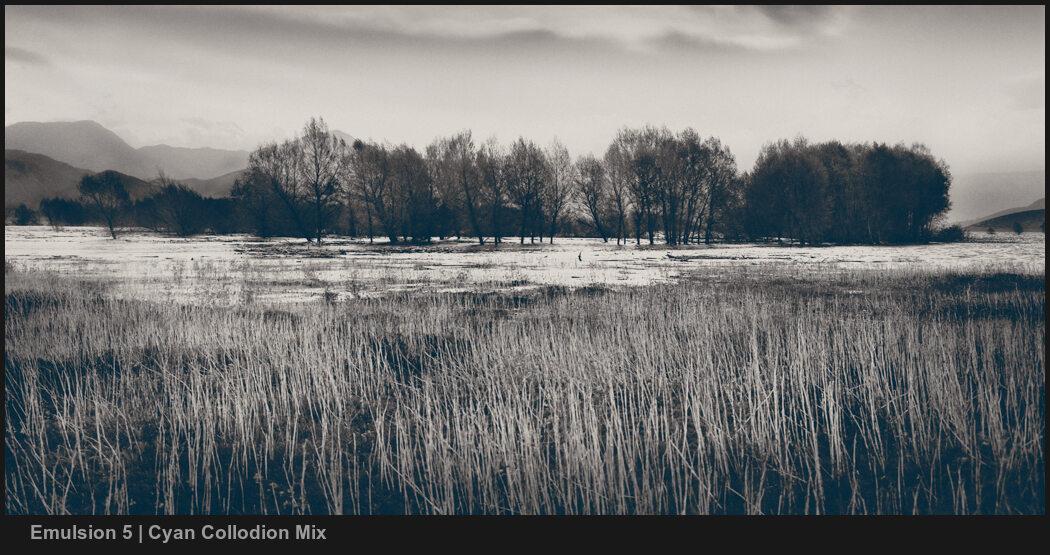
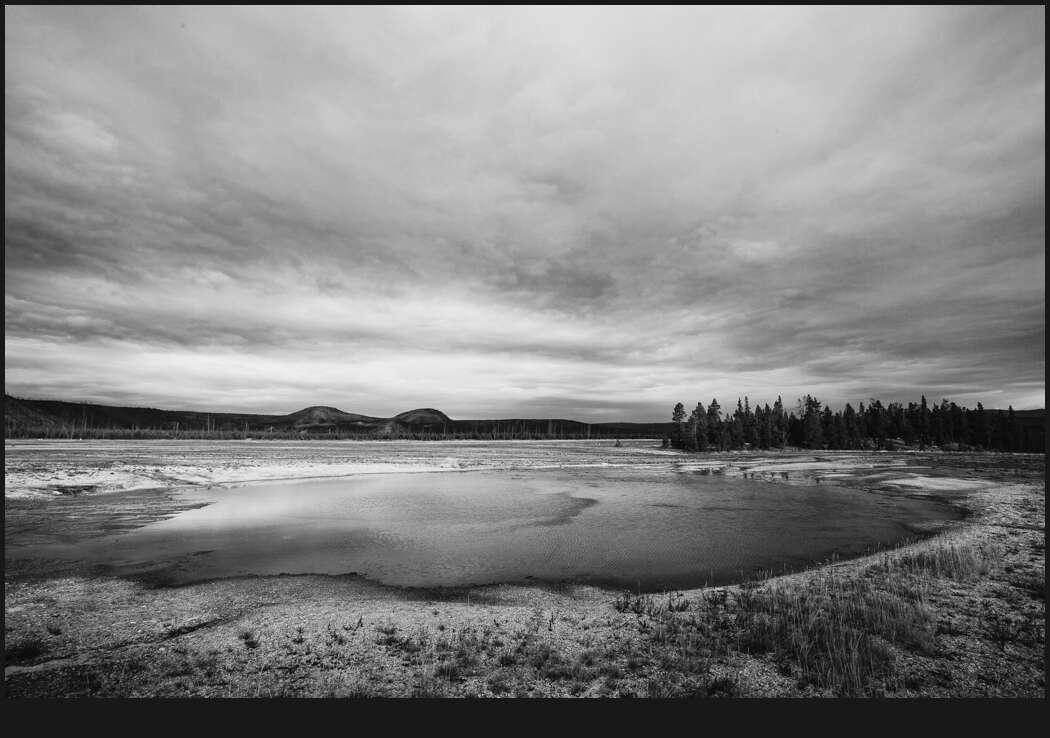
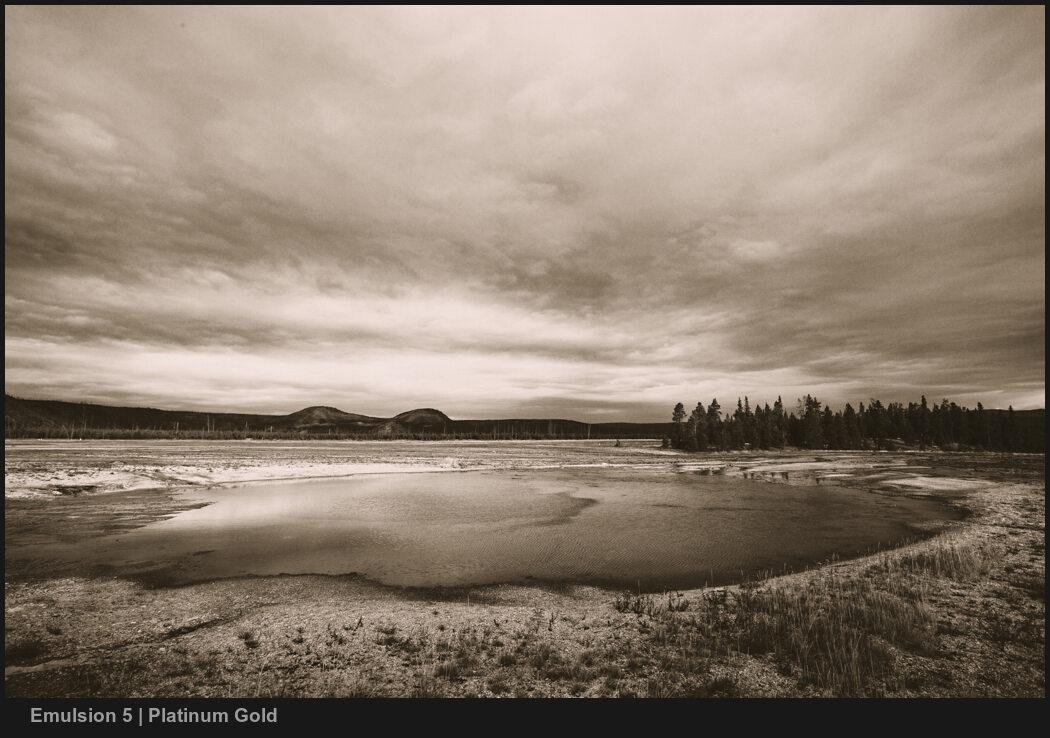
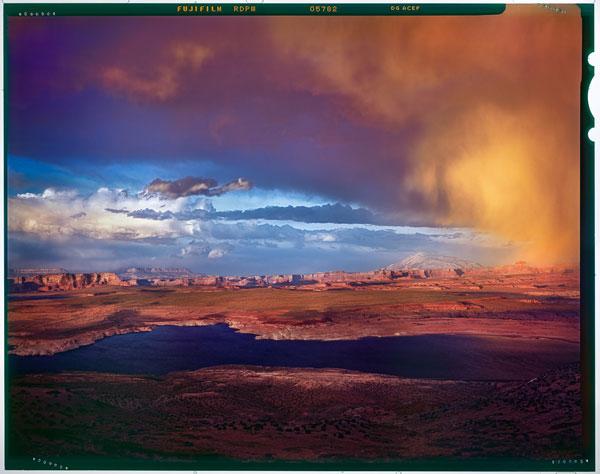
Edit with Life-Like Digital Emulsion.
It all started when I discovered Platinum Prints and said... "I'm going to make that for digital." -- The deep 3-dimensional richness of Platinum and other early-era toning is not easy. Emulsion 5 uses the power of zones and gradient mapping. Expanding on tools Gavin created for the BlackRoom monochrome system.
Emulsion creates depth and tones that adjust in real-time based on tone values. You have all the control, but everything is ready.
Change how you see your work.
Digital chemical processing lets you try things you never would otherwise. Things that took years of testing and trying to find within Photoshop but now are a click away.
In a sometimes sterile digital world, you will be spruwiaszed how quickly you find beauty in edits you never thought were possible and that Emulsion makes possible.
You'll find yourself amazed by the beauty in photos you thought were rejects all because of seeing them in a new, darkroom-inspired light.