May 19, 2023

If you’re not using my Elegance Speed-Masks and don’t want to, then you need to make your own. So I’ll show you. This is the only way you should be masking in Lightroom. You get better masks about 10x faster. I mean that 100%!

In today video I’ll show you how to make your own Speed Mask presets and the latest update to my own local adjustments preset pack, Elegance 4.

Lightroom’s powerful masking tools can be slow and cumbersome. But now with Speed Masks

You can get the Elegance 4.5 presets here. And if you already have Elegance 4, this is a free update so login and grab it.

Control what you want.

Masking in Lightroom takes a lot of forms and sometimes it transforms everything while others it’s as simple as controlling tone in a sky.

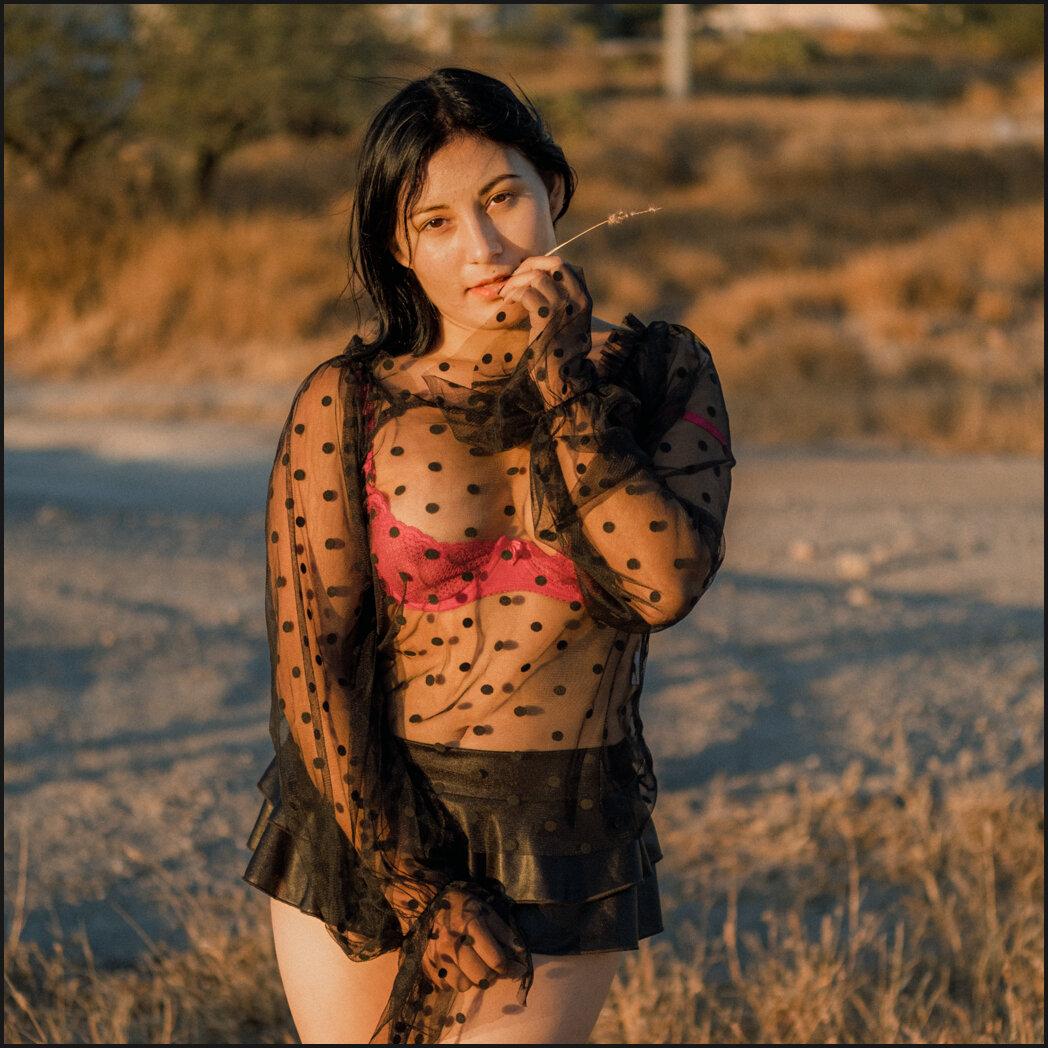
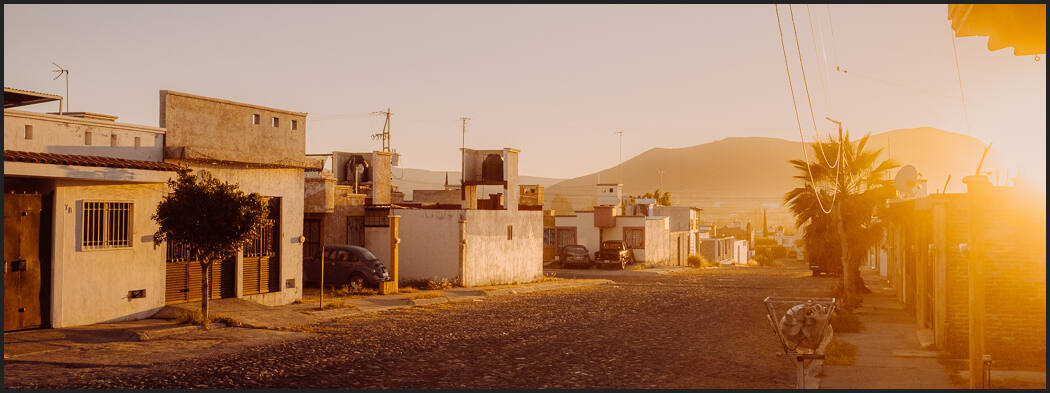
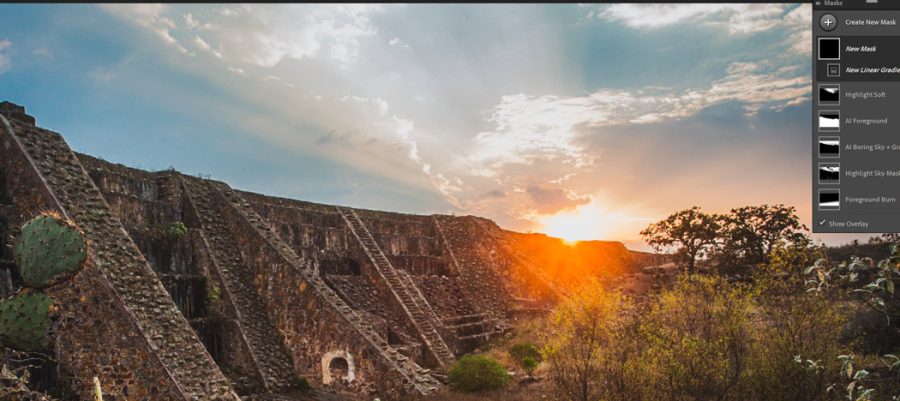
IN this case I use Street’ist presets for the main look and just dialed back the sky using an Ai speed preset. INtersecting grads into you Ai sky selections like I do in Elegance 4.5 makes thenm more natural.

Control 10 layers at a time.

As I showed in the video with this we had all these layers and by using them as a Speed-Mask develop preset you’ll be able top adjust them as one turning the effect intensity up or down. This is a huge control boost for masks in general that most people don’t even know they are missing if they don’t use the Speed Mask presets.

Don’t go too far with masks.

No matter what app you edit with, going too far on a masked edit is the sure fire way to make a photo look fake. In in a time when Ai is creating fakes of everything, I think natural is a good thing.

You should isolate your background but that doe snot mean darken it two stop. Remember Masking is to digital what burning and dodging was in the darkroom. use it wisely.

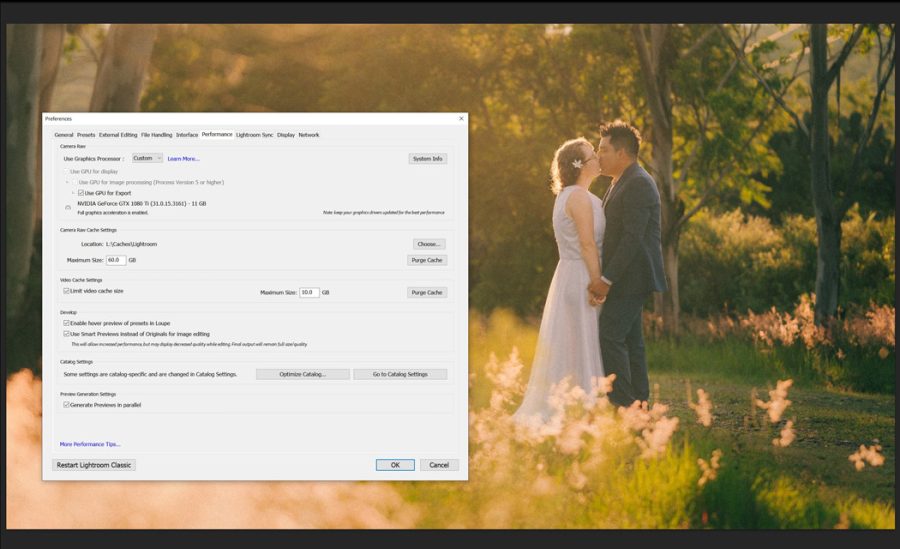
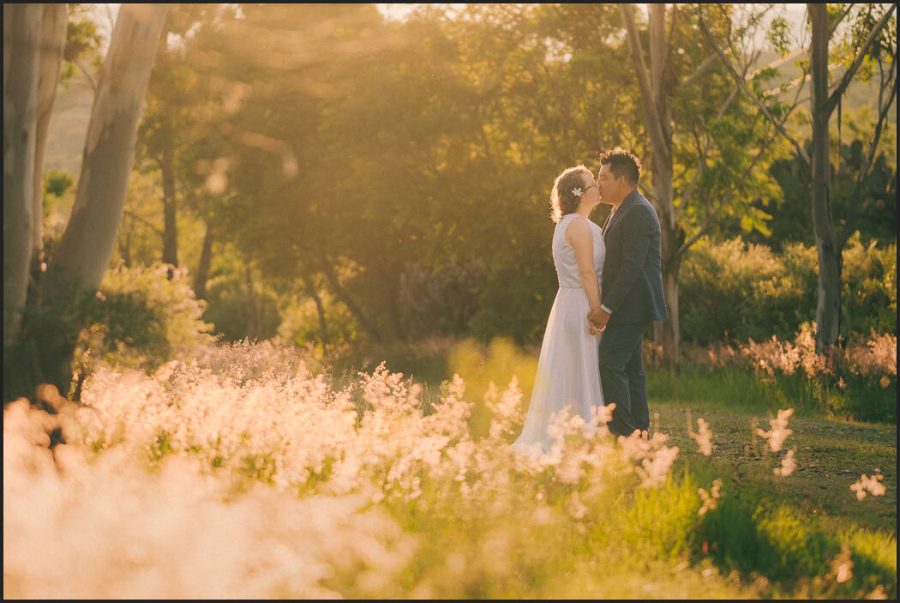
You can see in this wedding photo how we used the Ai masks but more for atmosphere than to isolate one thing. The mix allows us to us the master slide to decide how far we wanted that to go.

Have fun with these and let me know what you think – Gav

Read More

May 12, 2023

So today’s vlog is for you even if you use either editing tools. Because today I want to share my ESS theory. What I’ve learned in the process has changed how I create photos in a fake Ai world.

No matter how you edit, your street process matters a lot.

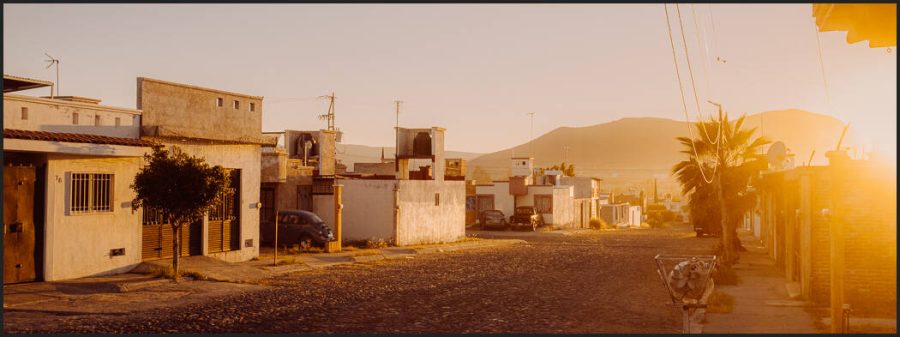
So today after over 3 years of pushing hard on my street photography here in Mexico, I want to share how that’s changed the theories of a guy who’s been a pro photographer for over 20 years. I’ll show you how to use my new Street’ist street photography presets. But I’ll also show you ESS.

Get my Street’ist presets here. Or get a free pack of my film presets here.

Thinking from start to finish.

The key is to know have a simple plan like ESS. Only you know what you are feeling and how you want to share that in a street photo. But with this simple process you start to focus on what really matters in a street photo.

Sure editing tools and tone and using lightroom presets or capture one styles to make you more creative and make you try more ideas are important.

But YOUR process is the most important. Just make sure you’re always asking yourself how you can improve your process and how you cam make it more ESS.

What makes your street photography have style?

Should you shoot black and white or color. Should you use the blue and orange tones or go natural. And and no, Tik Tockers didn’t invent that look.

The truth is that is you focus on ESS and how it can make your process better you will find your editing style. As a long time purist myself however I would encourage you to not get too focused on perfection. On only natural tones or colors.

Great street photographer have always pushed the edge of edits and presentation and shadow. That’s because a great street photographer knows that he’s not just taking a photo. Though we are journalists in a way, the purity of a scene is sometimes less critical than telling your story about what you feel with light, color, shadow and motion.

Read More

May 10, 2023

Everyone is saying Ai these days. It’s the marketing gimmick. But Adobe is showing that when they say Ai, they mean tools that are actually smart. Like the Ai masks from last year made even better in 2023.

But what about Lightroom’s new Ai Noise reduction?

In today’s video I’ll show you how to use it and give it punishing comparison tests. Lightroom already beat Capture One in my Lightroom vs Capture one Noise and Worms testing. But for photos you need something extra on. This new button is more amazing than I expected. I’ll show you in the video below.

You can get the new Street’ist presets I mentioned in todays video. And you can also download the Free Filmist presets pack to see the grain technique in action. They work perfect to finish up after Ai noise reduction.

At this point we have to start asking how much noise even matters.

The early days if digital left us with lots of noise and artifacts that recent Noise tools and better sensors have mostly brought it up to the detail level that we had in film.

With the improvement this year from Ai noise tools like this, you have to ask how much ISO and noise even matters. You can clean it up so well it’s almost too clean, and adding in a little organic grain like I do in most of my edits is more important than ever.

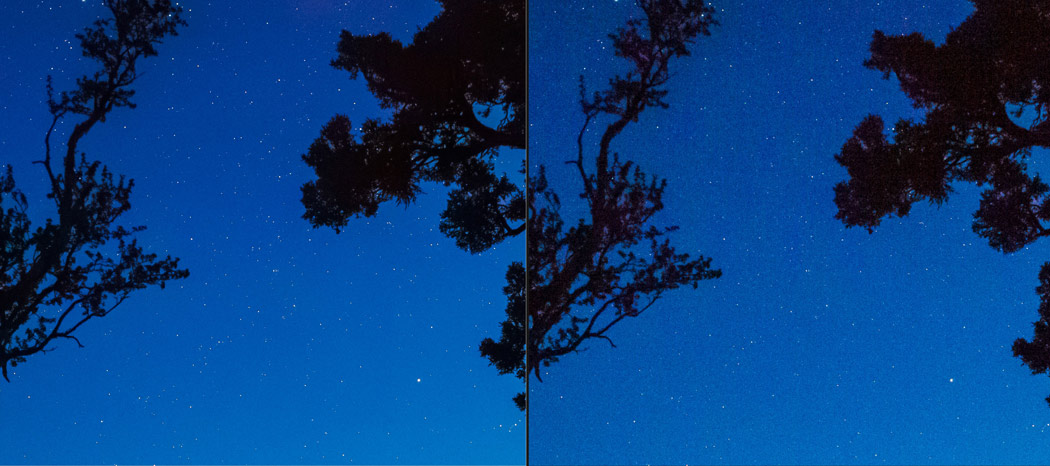
Old RAw file with ultra high noise corrected by Lightroom Ai

Even on this old 5D MK2 file at ISO 25000, Lightrooms Ai noise using the settings I show in the video completely transformed it like no noise tool I’ve ever used.

ON this S21 Ultra RAW file there was not much noise but the Lightroom Ai Noise process still improved the detail in a way that amazing me. I’ll show you the side by side in the video.

This is the start of big changes in how we edit.

I predict that very soon these Ai editing tools will nor be long processing steps but just part of the system like any other slider. They will keep getting better and as photographer we need to focus on the value of using them but also keeping photos real.

In the end I think this tool is game changing and I hope we see more Ai tool’s make make our real images better rather than a focus on Ai tools making photos that are not real photos.\

Gavin Seim

Read More

April 20, 2023

Fuji Worms are considered a bane of Fuji shooters. Eating files alive like massive Sandworms rising from the dusts of Dune! But they also can invade your other cameras. Not just Fuji.

But do you really need Capture One to save you from Fuji Worms?

Does Capture One eliminate their Fuji worms better than Lightroom? Because yes even your Sony or Nikon can get worms. So who can save you from the end of photography as we know it. I’ll show you how in the video.

Also try my Film presets to get your own same process testing in LR and C1/ PS, Remember that my Filmist and Silver black and white packs both have noise and grain presets to make killing Fuji Worms easy. Try them out.

“Fuji” Worms actually occur in most Cameras.

And even in this years Lightroom VS Capture One 23 full review video I did one or two tests, with Lighting even pulling ahead. So in today’s video we’ll do a definitive and fair test.

And yes worms show up on other files too. It depends on the ISO, sharpening, sensor and more. I’ll show you a Sony file that also has worms and they are solved in the same way.

But as you see in the video, worms are a rather small issue and while both apps work well. You have no real advantage in worms or noise by using Lightroom. In fact on some images Lightroom seems to remove the noise better than Capture one, leaving us with a natural grain like structure.

ISO 10000 from an X100V compared in Lightroom and Capture one with basic noise reduction and no grain.

De-Worming is Easy on Fuji and other cameras.

I did this test a few years back and even then there was not much difference from Lightroom VS Capture One, despite grand claims to the opposite all over Fuji forums. This year I’ll test files all edited the same and we’ll try noise and grain tools a a definitive comparison.

The truth is all this worm stuff goes away when you add a little grain. So except on the most extreme and over-sharpened photos, worms are unlikely to be a problem even on older Fuji camera that have the Xtrans1 sensor like the Xpro1.

In the past Lightroom did struggle in noise and artifacts, but that was years ago. Just remember to add some noise reduction in LR to get the same result as C1 because it’s not default. Or just use a preset like the ones I make for you.

ISO 2500 file from a Fuji XE-3 LR vs C1 basic noise reduction no Grain.

Then whats all the Fuji Worms Hype about?

Really that’s about it. It’s not a big deal anymore? It’s now mostly just fanboy marketing for Capture One. The idea that you need to pay more for an editing software to get good results. That’s not the case in this situation at least.

In the end choose the software that works best for your style and that inspired you to shoot and edit creatively. That’s what this is all about.

You can feel safe and happy being safe from Fuji worms. You win, worms lose. The End.

Gavin Seim

In this ISO 3200 image from an X100V I added a little grain and basic noise reduction in both for an organic feel.
Read More

April 15, 2023

When you see a photo in 2023, do you believe it? I’ve just been watching the past few months and today am speaking because I think they missed the bigger part of what AI is doing to photography.

All the top photo channels have been talking about Ai.

But they are not talking about BELIEF! Don’t just watch today. Follow along with my demonstration by grabbing my free film presets and doping this yourself. This kind of photography can’t be ignored and has a big part in what’s coming.

Ai is not Photography.

Today I’m going to tell you what I realized about Ai in Photography, how it’s a repeat of the 2000’s and what you need to be doing to stay ahead and make your photos more real. Yes AI generation tools la Dall e and Stable diffusion will get better. But even when they do feel, real, they won’t be!

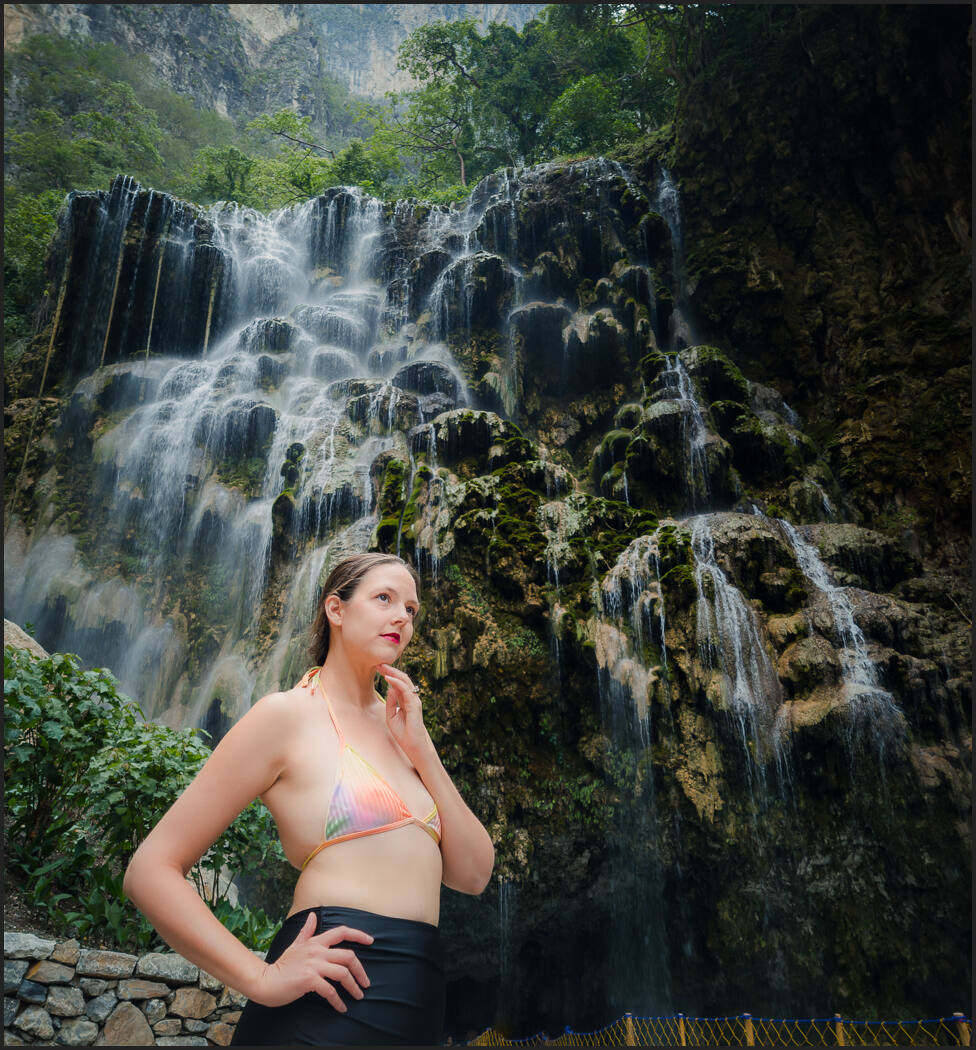
Here’s a few more examples. Look at one of my photos of El Trampolin Tamasopo Mexico. When I asked Dall e to make it, the scene actually feels like the right place. It just look very ,much like painting. Stable Diffusion made a scene that has nothing to do with the region. It’s just a river.

Misty river at sunrise in El Trampolin Tamasopo Mexico
My photo of the river at sunrise in El Trampolin Tamasopo Mexico

Don’t be like photographers from the 2000’s

I have some more examples in the video. But what it shows is that while Ai is nothing like the real thing, denial won’t save photography. So don’t ignore what I’m saying today. We have to adapt and make real photo that people value. Those will be the heart of photography future.

Ai will change the demand for many images and perhaps the world will become even more fake. But people will know it’s fake and that is where photography is still so important.

Life, death, , history cultures and people are real, not Ai. So NOT using ai will mean you have something unique in the coming world of Ai imagery.

IS photography going to die because of Ai?

Photography has to stand on it’s own. What Ai will take a giant piece of is over edited photos that are not real. The suspension of disbelief is going to het harder just like it did with Photoshop in the 2000’s. So more over the top things wi9ll soon just be seen al fake Ai things.

This leaves the value in photography in that it’s real. There’s nothing wrong with creating illustrated art. It beautiful. But it’s not photography. I remember this debate many time at international photo conferences and comps like PPA…. If there’s nothing of a photo left, it’s a painting people said.

Now that gets tripled. Now everyone will know the amazing thing they are looking at that seems to amazing to be true, IS NOT. It’s an image without belief and that leaves room for us to adapt with real honest photography that represents the world, the people and the cultures around us.

Read More