
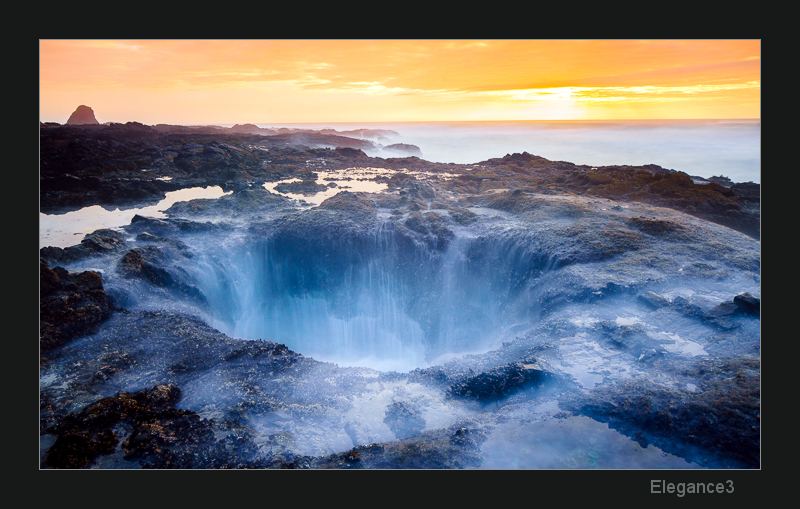
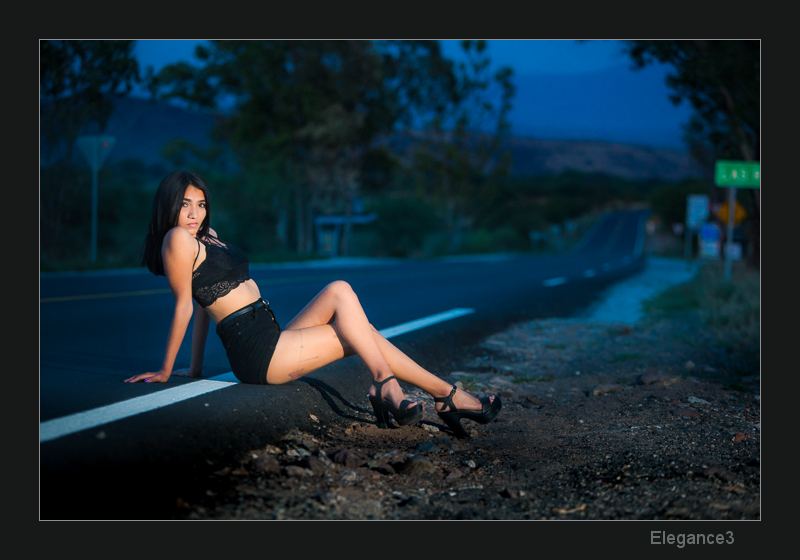
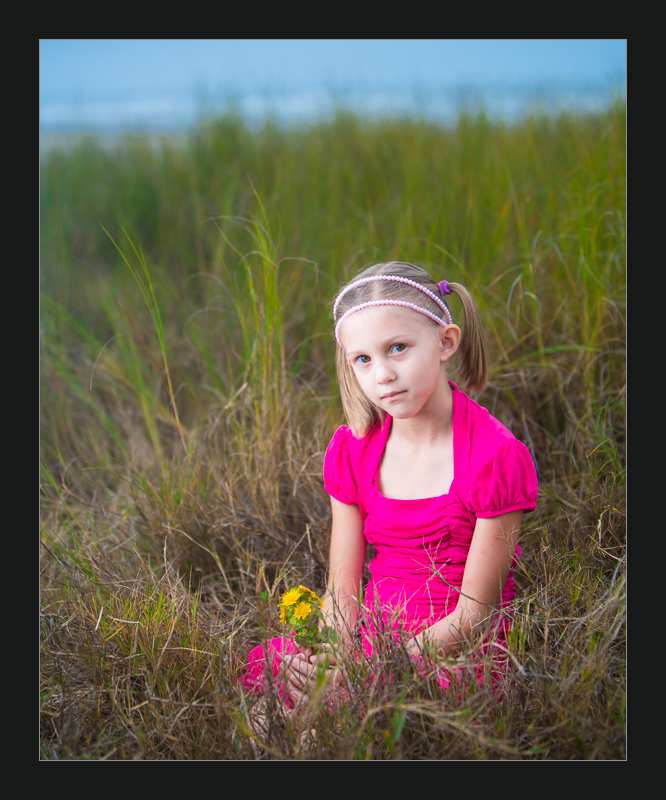
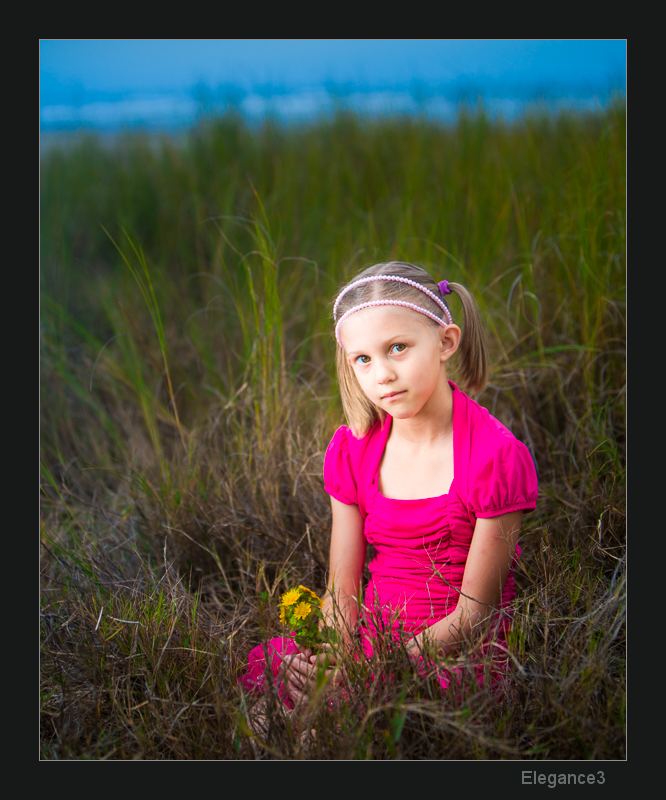
Better local adjustments in LR: Elegance 3 presets put local adjustments at your fingertips with powerful brushes and localized tools for LR, giving you detailed control over your image making.
- Better Brushes, Grads, Radials with a click.
- Tools for burning, dodging, skin retouching and tone.
- Non-destructive effects make local adjustments easy.
- Works in LR5-LR CC Classic
- Save 15% on 2 or more products w/code: BUNDLE
$39.00
[expand title=”
Get Elegance in a Bundle and
SAVE (Expand for details)
“]
[expand title=”
Bundle Deals — SAVE $169+
“]
Get all 6 Seim LR Preset Collections.
— Natural HDR 2
— PW6
— Silver 3
— Classic Vinyl
— Belladonna
— Elegance Brushes
— + Sliders Workshop
ADD TO CARTOr enter code: BUNDLE for an instant 15% off on 2 or more products.
[/expand]
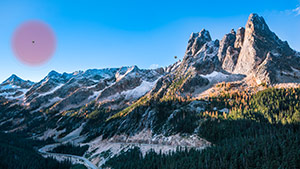
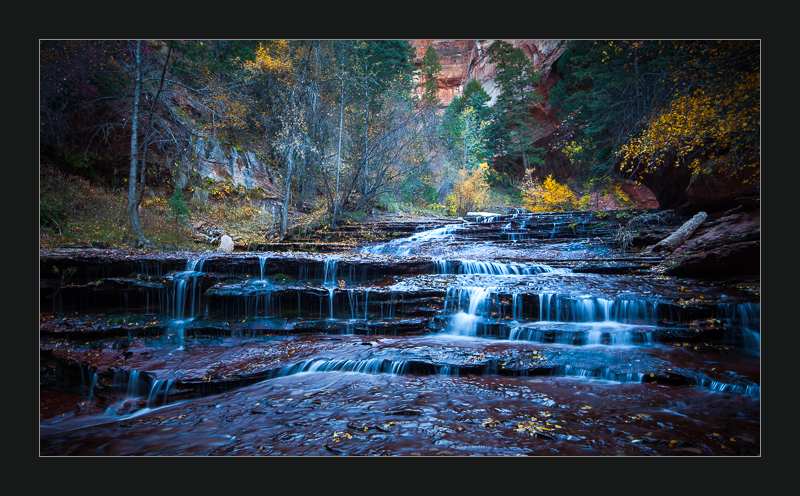
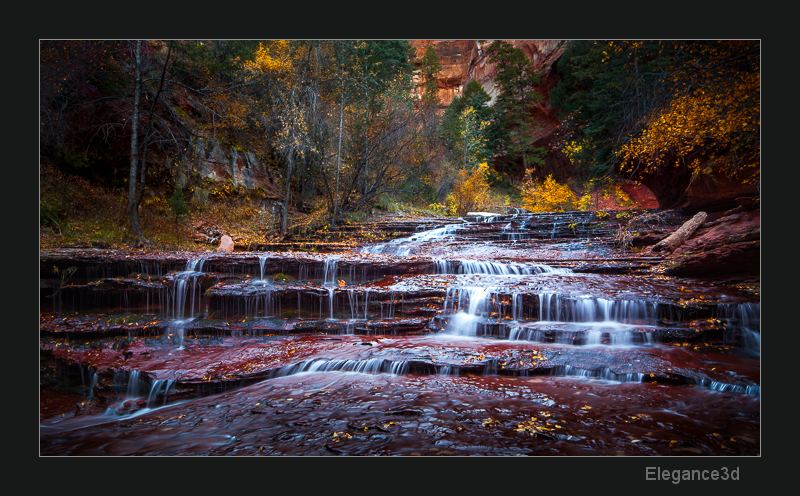
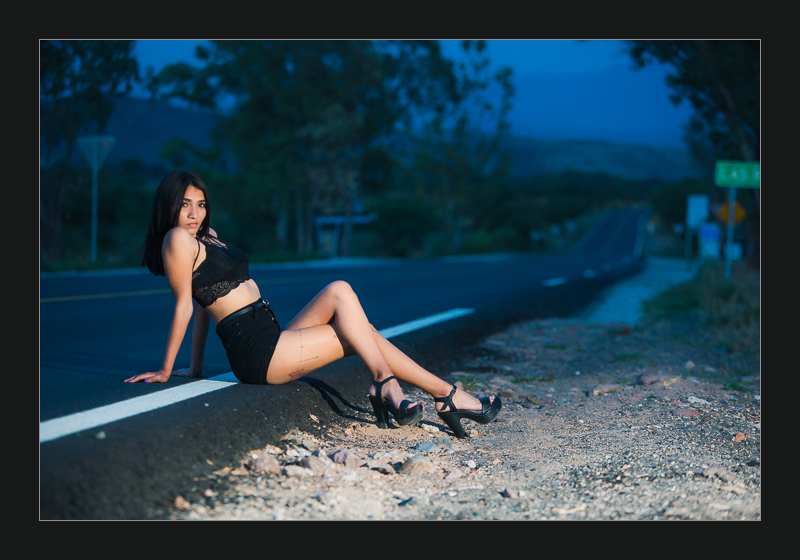
Local Adjustments: It’s for those little adjustments that you need to do but were a hassle until now. Burn, dodge, skin adjustment, teeth, lips. These brushes are perfect that final touch for your Lightroom process.
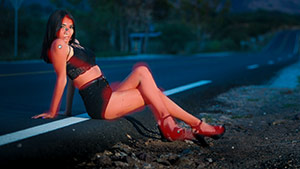
Simple, fast, intuitive: Elegance is a lightweight, easy to use set that makes using local adjuments more versatile. Quickly choose your look, change it on the fly and master the details faster.
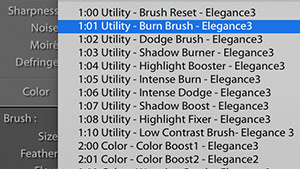
Vertical Editing: Like all Seim Effects products, Elegance 3 works great with our other tools. Local effects are stackable and intuitive. Just keep adding the layers of brushwork you need.
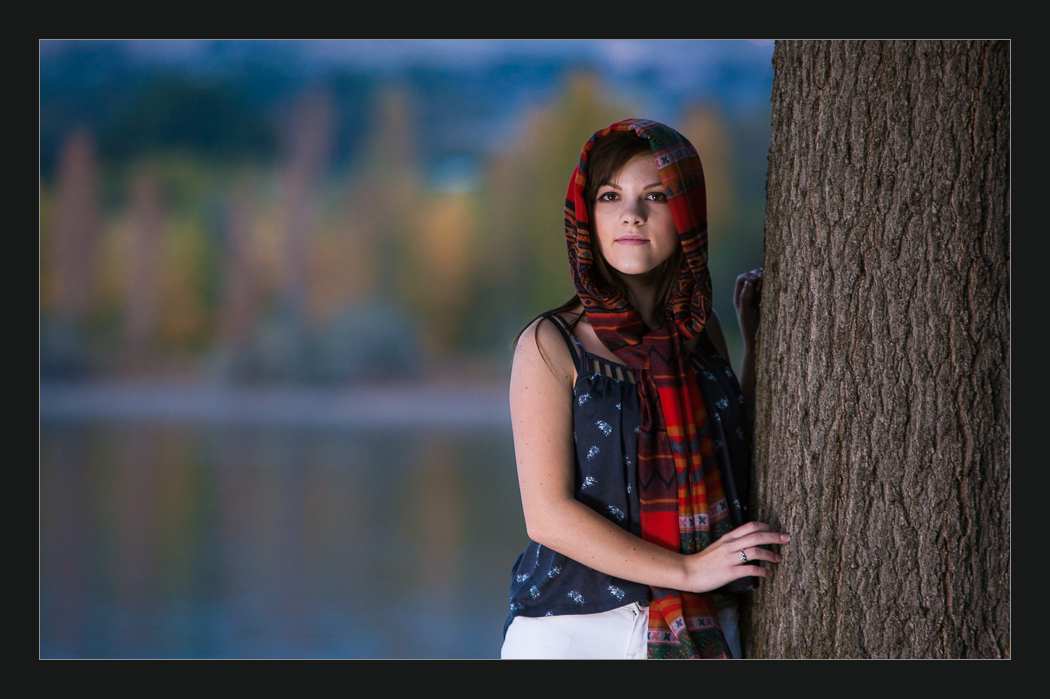
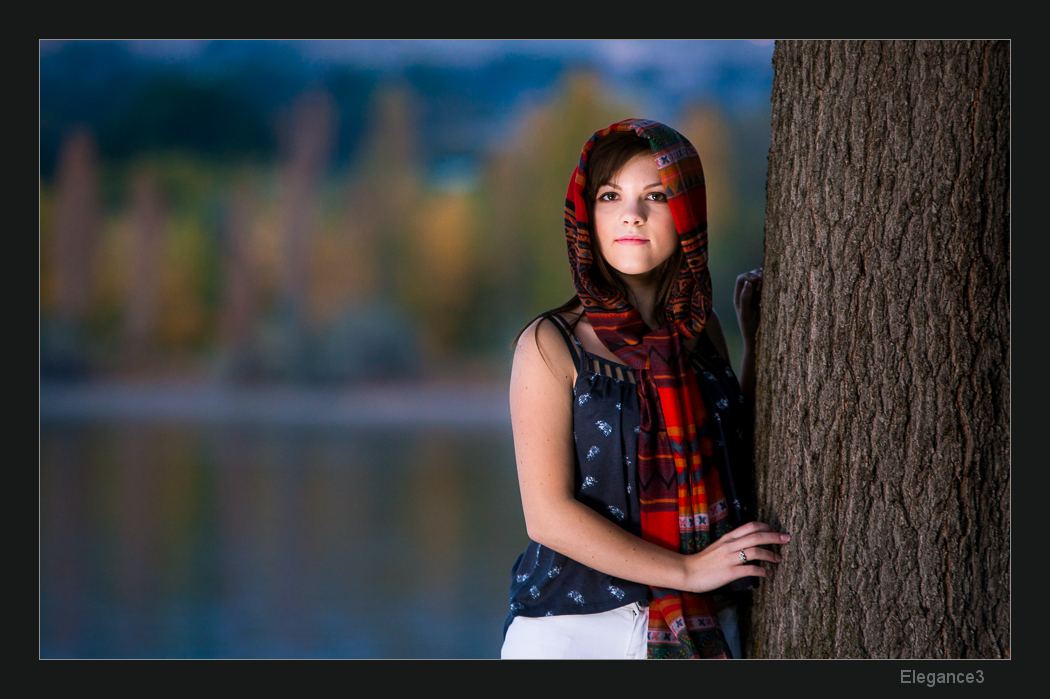
Risk-free Lightroom Retouching.
GUARANTEED: Download Elegance 3 and try it yourself for a week or two. If you’re not satisfied let us know why within 30 days and we’ll fix it or give you a full refund. We should warn you, these tools are rock solid and returns are rarely asked for, we just want you to know you can be confident in a company that stands behind its products. You’re as safe with our tools and with the non-destructive editing you have on your raw files.
This is a preset toolkit are designed to help you retouch fast and without clutter. Each tool has it’s own unique control and can be customized to any need. Quickly increase or decrease the intensity of the effect by altering, Flow and Density, or use the presets radials and gradients to take control of skies and every detail in the frame. Elegance 3 puts LR retouching at your fingertips like never before.
What’s inside V3: Elegance 3 is a preset toolkit designed to complement our weightier collections. It’s quick, inexpensive, and easy to use, but still very, very powerful. Designed to make the most of the latest features and sliders in lightroom, this little collection is ready to do big things for your retouching!
UPGRADE: Own Elegance 1 or 2? We emailed you an upgrade coupon to SAVE 50% Get in touch if you missed it.
Love'em
Love these brushes!
More than worth it
These brushes ROCK! Worth the price & then some!
Run to get them
Don't walk, run and get the entire set of Brushes from Gavin Seim
What Tools Do I Need?
Our preset collections work in Lightroom and Camera Raw/Photoshop. Presets are all about applying a look to single or groups of images and being able to do so in a non-destructive manner.
PW6 is geared not only to allow creative combinations but also speed, quick fixes and details like sharpening and grain. It’s our main preset collection and sits perfectly at the top of your go-to Lightroom tools. If you want a toolkit for everything that will help you work faster start with PW6.
Silver 3 is dedicated to amazing black and white. Most people that use Silver don’t need other plugins. It allows for a huge array of processes for black and white that use the color information in your files to make incredible silver looks. That combines with tools for mixing tone, tint and more and allows for endless combinations.
Actions work in Photoshop. Sometimes people get confused about the difference between actions and presets. Presets are one layer deep and the best starting point for general workflow, color and tone corrections. Actions use layers and more advanced tools and can give richer and more finesse retouching. Our actions use vertical editing which means you can run an action with one click and can add more on top to keep advancing your edit. The possibilities are endless. Actions and presets together make the perfect workflow.
Alchemist is our ultra powerful retouching actions. It has everything from skin surface tools and glamour effects to color overlays and sharpening tools. All with an easy to use vertical editing style with layers and groups that can be ticked on and off and altered to give your image a perfect look with infinite combinations. Alchemist will take your retouching to the next level and save you time in the process.
Lumist: These game-changing actions are all about being a master of Light. They allow you to see the types and zones in your image with a click using the Total Map. Then you can select any zone and apply an adjustment manually or use one of the many effects for light, color, and style and apply it to the entire image or just the selected zones. It takes the power of luminosity making but makes it so much more simple, visual and powerful.
For an overview of all products visit the homepage.
Save 15% on 2 or more products w/code: BUNDLE or visit the bundles page.
Who is Seim?
Seim is an award-winning Master Photographer and educator constantly strives to understand and share subtleties of light. He’s a master of Lightroom and workflow a lover of quality. Back in 2007 as LR was getting started, Gavin released Power Workflow. Since then, he has designed a wide array of Actions and Presets as well the Award-winning EXposed Light Workshop.
All images and content, products and information copyright Seim Studios. Adobe products required to use this product are not included.
- Having trouble? Visit the help page.
- Contact us, effects@seimstudios.com or phone, 509-754-5255
[xyz-ihs snippet=”ViewCart”]